65 point .cube LUT for Rec.709 footage
Alpine Gold.
The look, in one file.
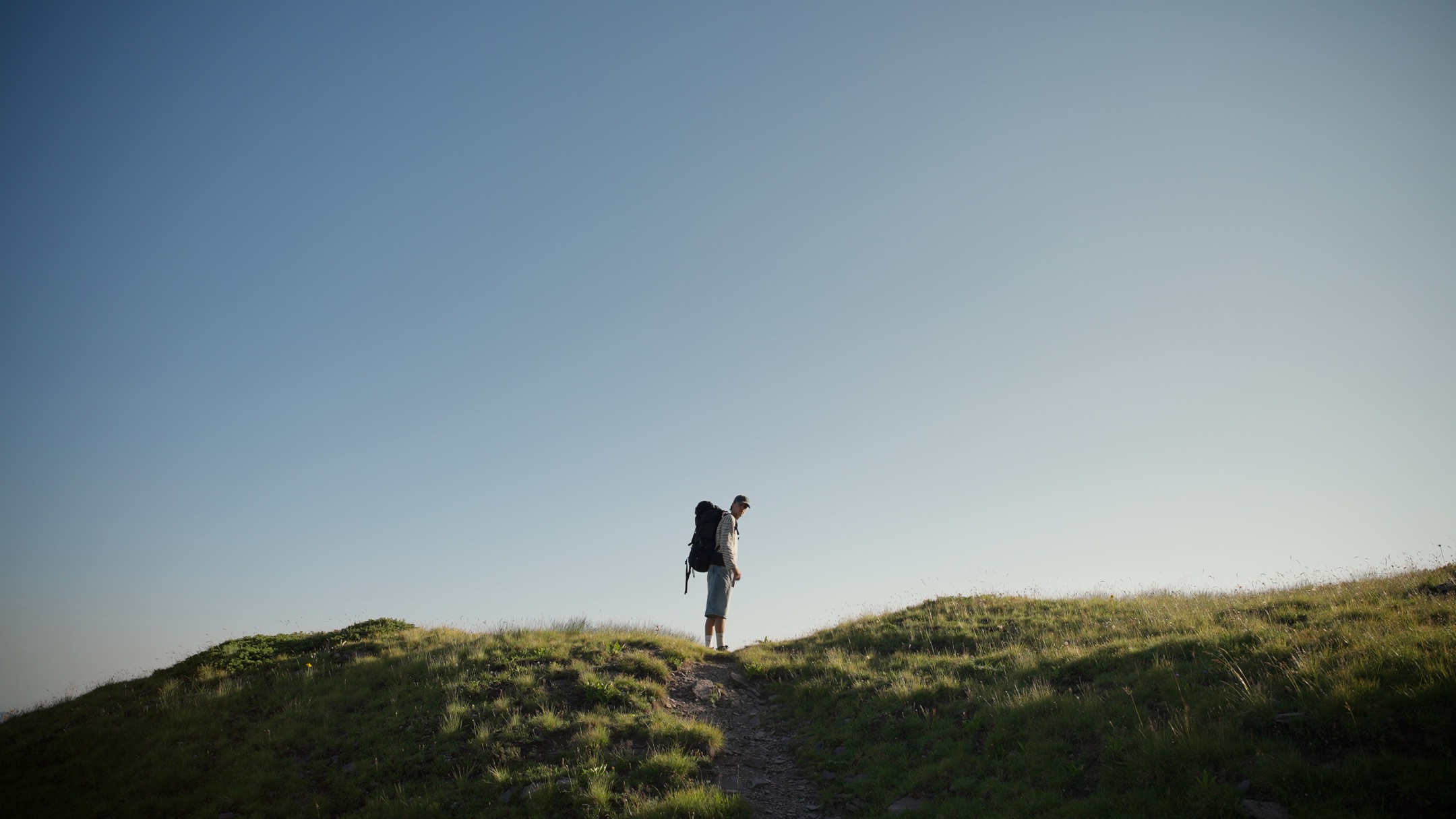
Warm, golden, cinematic. The grade behind my Alps reels, as a single LUT you drop onto your footage.
The grade behind reels with over 300,000 views.
assets/lut/web/03-rec709.jpg
assets/lut/web/03-applied.jpg

Drag to compare, pick a frame below
Alpine Gold LUT
One file. The whole look.
A single 65 point .cube file that drops the whole look onto your footage. Built for Rec.709, it goes on last, after whatever conversion you already use.
What's included
- 65 point .cube LUT
- Video tutorial for DaVinci Resolve, install, apply and adjust
- Quick start PDF for Premiere Pro, Final Cut and other editors
- Works in Resolve, Premiere, Final Cut, and any editor that reads .cube
Built for Rec.709. Alpine Gold is a creative LUT, not a conversion LUT. Convert your Log footage to Rec.709 first, with your own CST or camera LUT, then apply Alpine Gold on top. Footage already shot in Rec.709 works directly.
Developed and tested on Sony S-Log3, and since it sits after the conversion it is not tied to one camera. Tested and working on Apple Log and on standard iPhone footage. On standard phone footage the camera has already applied its own contrast and saturation, so pull the intensity back to around half and it sits right. The tutorial shows how.
Alpine Gold LUT
65 point .cube
CHF 25
One time payment, instant download
- AlpineGold_65.cube
- Video tutorial, DaVinci Resolve
- Quick start PDF, other software
- ReadMe PDF
- License for unlimited projects, commercial included
Secure checkout via Payhip, card and PayPal
assets/portrait/portrait.jpg
creator photo, 4:5
Behind the grade
Built from real work,
not from a spec sheet.
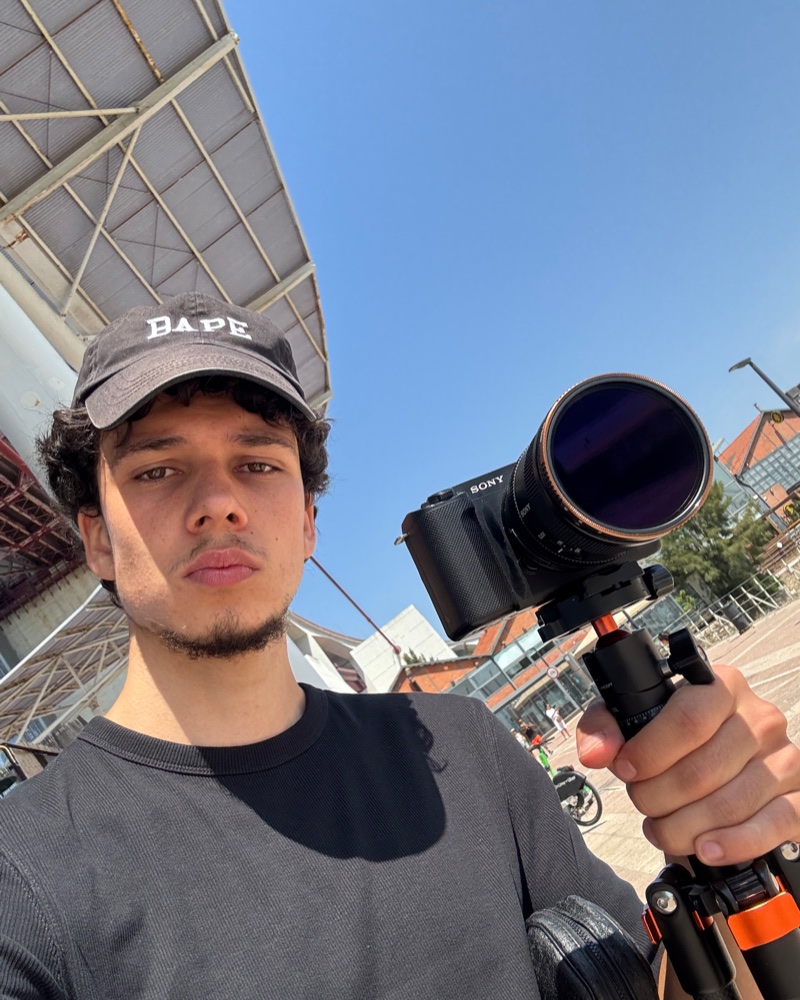
I shoot and grade alpine and outdoor content, mostly short form, mostly in the Swiss mountains. Alpine Gold is not something I assembled to sell. It is the grade I built for my own videos over dozens of projects, then cleaned up and documented so someone else can actually use it.
Everything you see on @paco.eckstein is graded with this.
@paco.eckstein on InstagramFAQ
Common questions.
Do I have to convert my footage first?
Yes. Alpine Gold is built for Rec.709. Convert your Log footage with your own CST or camera LUT first, then apply Alpine Gold. Footage already shot in Rec.709 works directly.
Which cameras does it work with?
It sits after the Rec.709 conversion, so it is not tied to one camera. It was developed and tested on Sony S-Log3, and it also works on Apple Log and on standard iPhone footage.
Expect small differences between camera systems. Some cameras apply their own contrast and saturation before you ever open the file, so the look stacks up on top of that. On standard iPhone footage I pull the intensity back to about half and it sits right. The included tutorial covers how to do that in one slider.
Can I adjust how strong it is?
Yes, and you should. In DaVinci Resolve, select the node holding the LUT, open the Key tab, and pull Key Output Gain down. At 0.5 you are at half strength. In Premiere there is an intensity slider under Lumetri Creative. The video tutorial walks through it in Resolve, and the quick start PDF covers the other editors.
Can I use it for monitoring while filming?
You can, and it works, but it reads more saturated on a monitor or in a camera app than it does in your edit, because those pipelines apply LUTs at a different point in the chain. Alpine Gold is built for post production, so treat monitoring as a rough preview and do the real grade where you can adjust the intensity.
Can I use it on client work?
Yes. Unlimited personal and commercial projects, client work included. The only thing not allowed is reselling or sharing the files themselves.
How do I get the files?
Instantly. Payhip sends a download link right after payment, on the confirmation page and by email.
Refunds?
These are instant digital downloads, so all sales are final and there are no refunds once the download link has been sent. If a file is damaged or will not load, write to ecksteinpaco@gmail.com and I will replace it.